


Test Huawei Watch Fit 4 Pro – Super sporty connected watch!
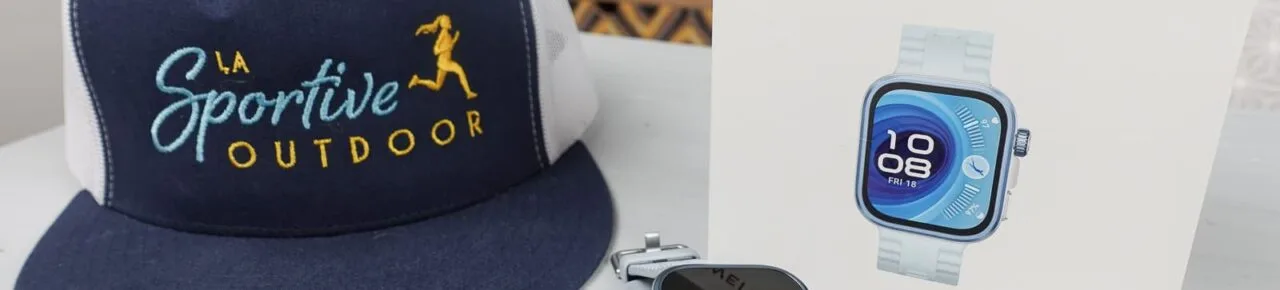
I tested the Huawei Watch Fit 4 Pro, an interesting connected watch for sportswomen thanks to its comprehensive health tracking, GPS and mapping. Here's my full review and opinion of this watch, which offers particularly good value for money.

Test video summary
My summary
What I liked
- Material and screen quality
- GPS accuracy and integrated mapping
- Comprehensive health monitoring
- Numerous sports modes and detailed data
- Good autonomy and fast recharge
- Excellent value for money
What I liked less
- Huawei Health app interface a little complex
- Inconsistencies in gradient
- No music for iOS users
- Show a little too talkative 😛
How can the Huawei Watch Fit 4 Pro be used?
The Huawei Watch Fit 4 Pro is the perfect watch for connected sportswomen who want to keep track of everything… or almost everything! It’s for those looking for both the functionalities of a connected watch and a complete health tracker, as well as a variety of sports modes, with lots of data, precise GPS and mapping. It’s an excellent compromise at a very reasonable price.

Features
- Dimensions: 44.5 x 40 x 9.3 mm
- Weight: 54g on my scale with fluoroelastomer strap
- Display: 1.82-inch AMOLED with 480 x 408 pixel resolution, offering maximum brightness of 3000 nits
- Water resistance: max. diving depth 40 meters
- Dust protection: IP6X rating
- Colors: black with fluoroelastomer strap, blue (the one I have, I would have said gray) with fluoroelastomer strap or green with nylon strap
- Price: €279.99
The Huawei brand
Founded in 1987, Huawei is a Chinese company that has established itself as a major player in telecommunications and consumer electronics. Best known for its smartphones, the brand has also been developing innovative connected objects for several years, particularly in the health and sports sectors.
Our full review of the Watch Fit 4 Pro
Design, screen and materials
When you take the Watch Fit 4 Pro out of its box, there’s no doubt about it: the design is a success (provided you like rectangular watches, of course). It is available with fluoroelastomer or woven nylon straps.
The watch appears to be of high quality, thanks to theuse of premium materials: sapphire crystal (interesting as it is scratch-resistant) and titanium alloy bezel, not usually seen on watches at this price.
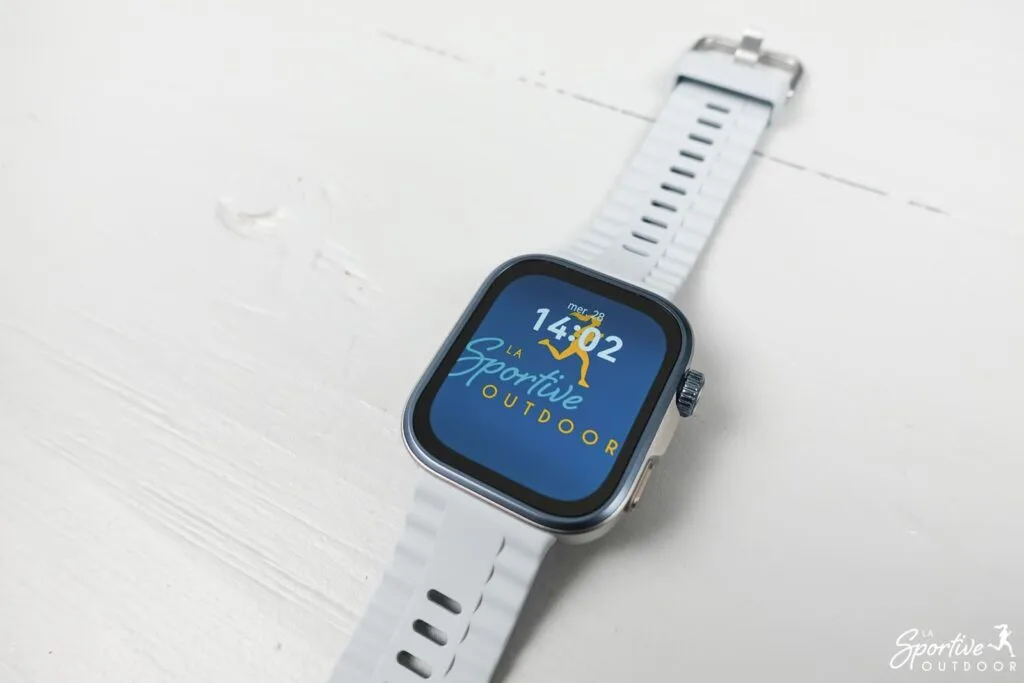
It’s also lightweight and quickly forgotten, even on women’s slender wrists. In any case, on mine, I find it elegant! On my scale, the
The watch features a very bright AMOLED display with a high refresh rate. In use, it proves really pleasant and qualitative: it’s beautiful, navigation is fluid and legibility is very good, even in bright sunlight.
The screen is touch-sensitive, with two additional buttons on the side. The touch screen is highly responsive.
You can personalize the dial by choosing from the many options available, and you can also display a photo of your choice as a background, as on Coros watches, for example.


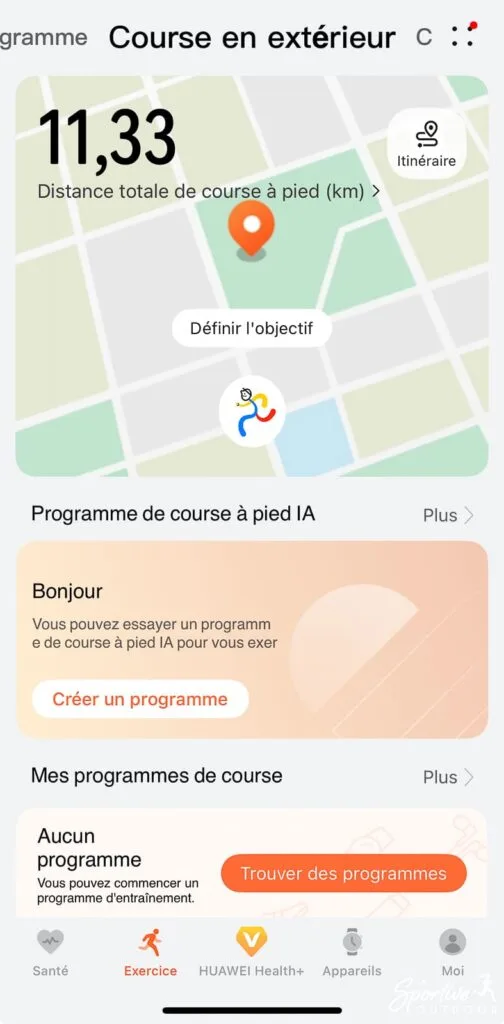
Getting to grips with the watch and the Huawei Health app
I found getting to grips with the watch a bit tedious, as on start-up the watch asks us to accept a lengthy user contract for each feature, sometimes directly on the watch or by activating the feature on the Huawei Health app. I would have preferred to be able to do everything at once on the app, even if it meant checking and unchecking options.
In my opinion, the Huawei Health application is a little too complex and not very intuitive. Maybe it’s because this is the 1st Huawei watch I’ve used, but I found it hard to get to grips with and it took me a while to figure out how to do things that are normally quite simple, such as importing a route. There are also some odd French translations at times (“transfert vers le dispositif à porter” to send to the watch, for example), but it’s understandable.
That said, once you’ve got past this initial hurdle, theapplication is very complete and will delight data enthusiasts: there’s plenty to do!
Note that certain functions (such as diet analysis or certain training or meditation programs) are only available with a Huawei Health + subscription.


Health monitoring
Tracked data
The watch integrates a wide range of sensors for comprehensive health monitoring:
- Heart rate: continuous measurement with alerts in case of anomalies.
- Sleep monitoring: for analysis of sleep quality, heart rate variability and breathing (useful for alerting to sleep apnea, for example).
- SpO2: blood oxygen saturation monitoring
- ECG: electrocardiogram to detect heart rhythm disorders.
- Arterial stiffness: assessing vascular health.
- Skin temperature: monitoring variations.
- Stress analysis (emotional well-being). Breathing exercises are also offered to help with stress management, which I find interesting.
- Menstrual cycle monitoring: estimation of menstruation, ovulation and fertility periods, taking into account body temperature, heart rate and respiratory rate. Symptoms can also be recorded, which is always an interesting way to learn about your menstrual cycle.


Data reliability
So, of course, data from watches should always be taken with a grain of salt, but it’sstill interesting to follow developments. I obviously have no opinion on the relevance of the ECG or arterial stiffness measurement, having been unable to compare with other devices, but I did the test of wearing two watches of different brands at the same time to compare sleep and heart rate (which are the two I’m most interested in personally).
Based on my comparisons, I have my doubts about sleep tracking , as the watch thought I’d fallen asleep several times when I was simply on my sofa, and the deep sleep data shows an average of 1 hour more deep sleep than my Coros and Garmin watches. I don’t know who’s right, but it doesn’t really matter, it’s still an interesting way of tracking progress, but you shouldn’t necessarily look at the raw data.
As far as heart rate is concerned, I had very similar data with both watches, whether at rest or during training, so I have the impression that the Watch Fit Pro 4 is rather reliable. You’ll never get the precision of a cardio belt or armband, and the data may not be perfect in the event of strong variations (on split-type workouts, for example), but it’s already very good for a watch in my opinion.
Activity rings and health clovers
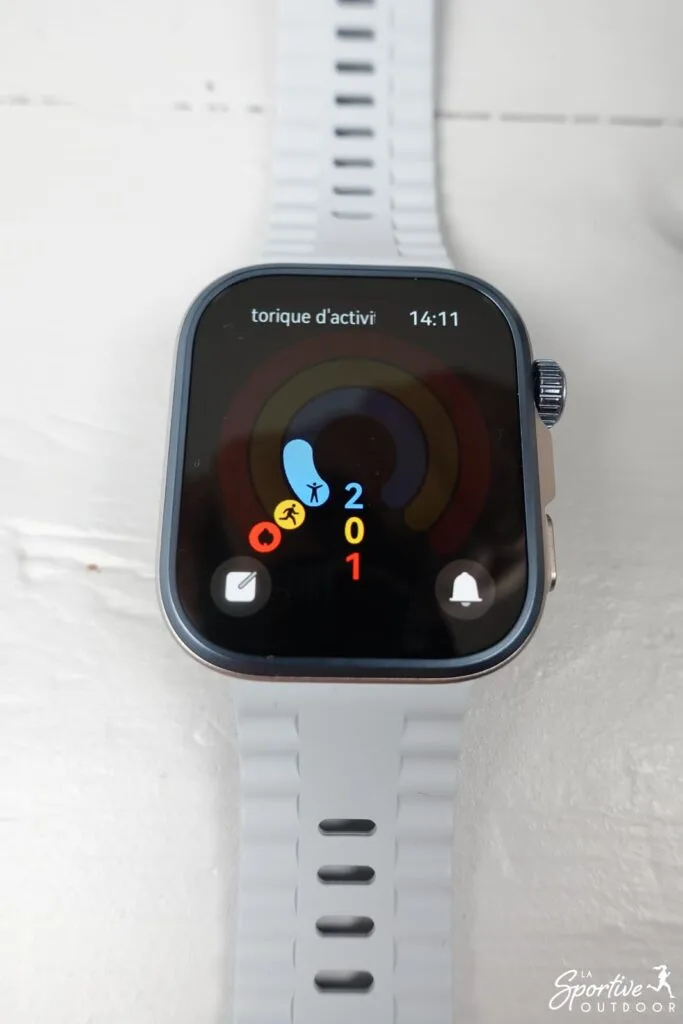
Three colored rings group together the “move/train/stand up” data: the aim of the game is to fill them in every day by moving enough (number of calories), training enough (minutes of activity) and standing enough (hours during which you are on your feet for at least 1 minute, to combat a sedentary lifestyle).
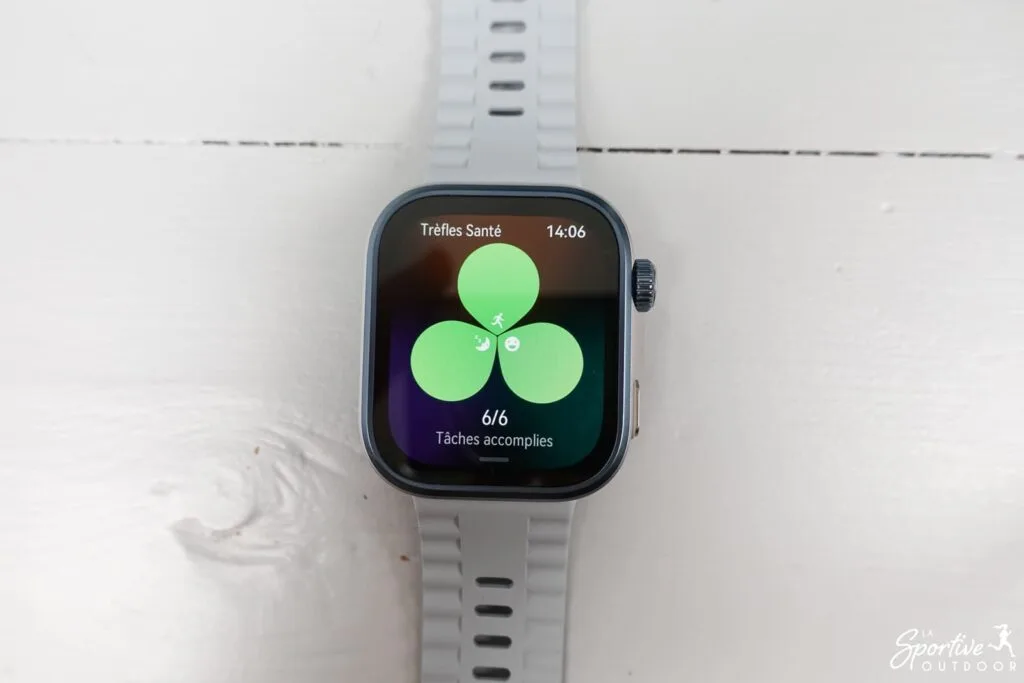
Data is also grouped under the “health clover”, which includes three basics (physical activity, sleep and mood) but which can be customized according to your objectives (for example, weight management, improved sleep, relaxation…).
The idea is to be able to set yourself goals and see at a glance whether you’ve reached them each day. I think this
Sports features
Sports modes
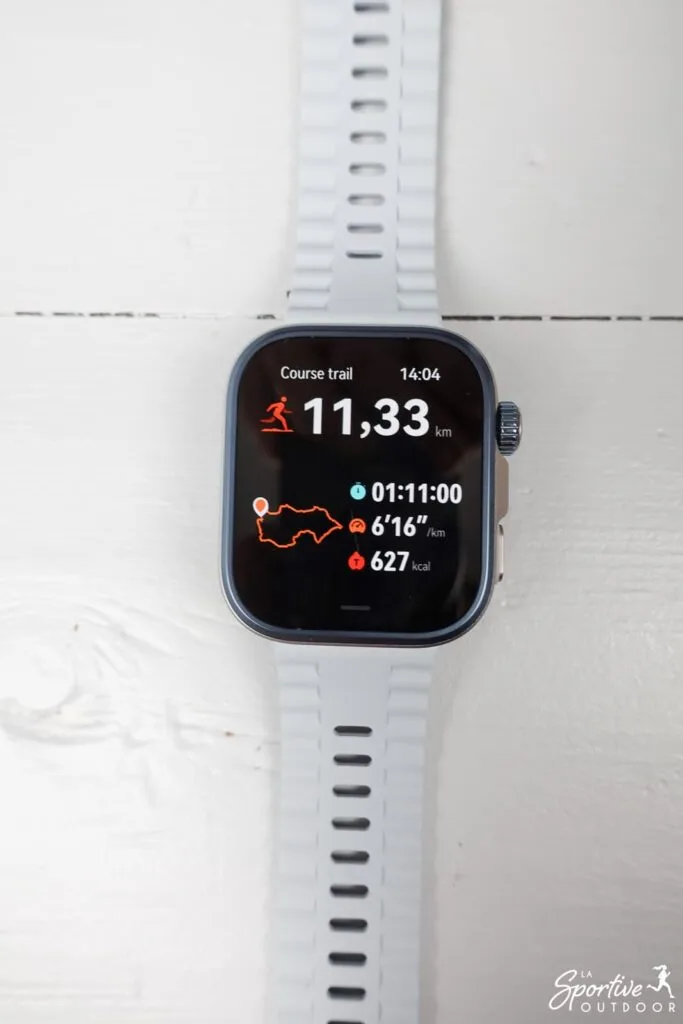
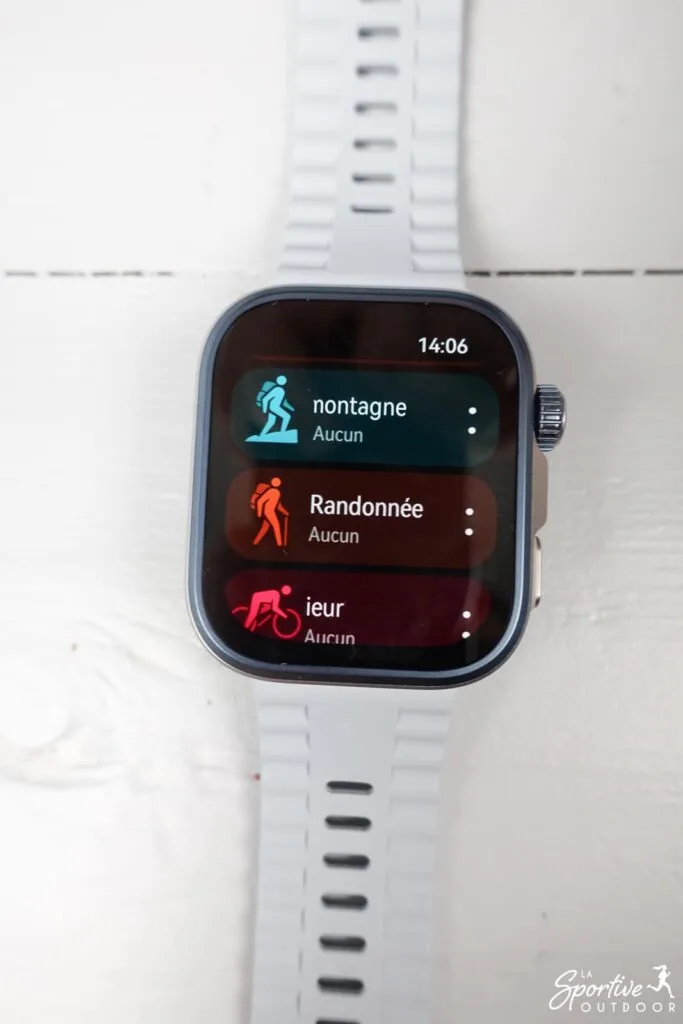
With a host of training modes, the watch covers a wide range of activities: running, cycling, swimming, yoga, skiing, triathlon, golf, diving and more.
You can customize the data displayed during sessions, with 4 possible screens, each with up to 5 data fields.
Activities are easy to start, pause and stop, and a wealth of data is provided at the end of the workout (HR, HR zones, training load, cadence, stride length, ground contact time, vertical oscillation, left/right balance, etc.).
It’s just that the altitude difference isn’t really accurate on my watch: depending on the session, it was sometimes accurate but sometimes really overestimated (like 900m instead of 500m on a bike outing).
It’s also possible to create personalized training sessions (useful for planning split sessions, for example). Finally, you can opt for training programs available on the app (some free, some available with subscription).

GPS and mapping
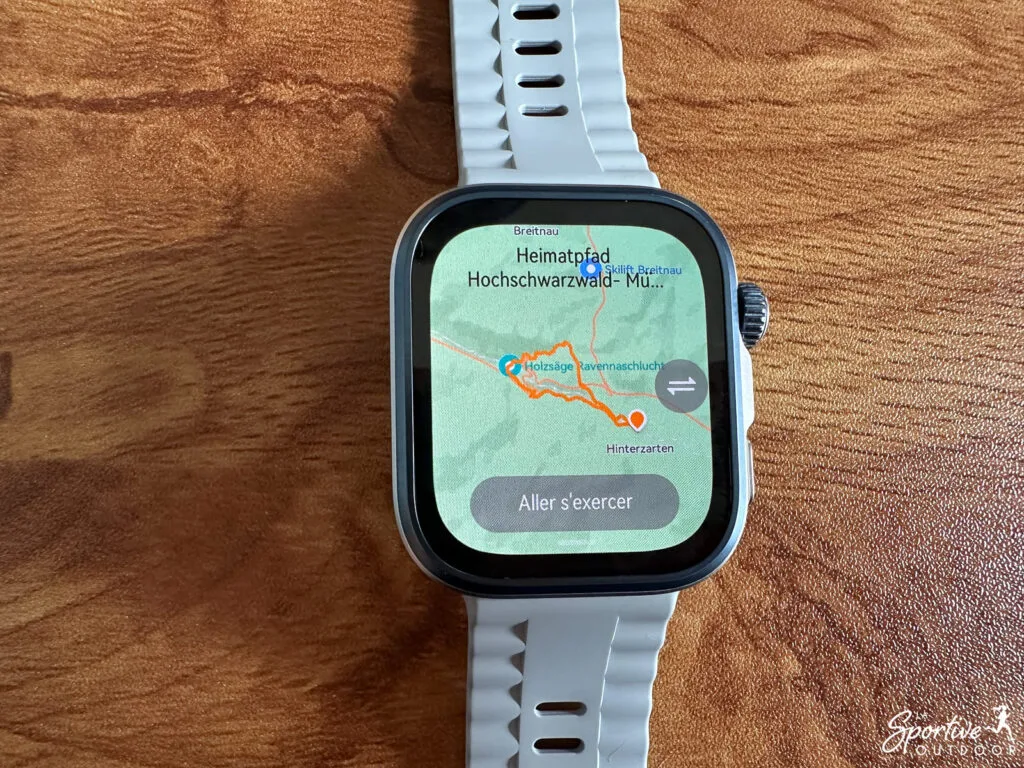
The Watch Fit Pro 4 is equipped with a dual-frequency multi-GNSS GPS. In my tests (hiking, trail running and cycling), I was really pleased with its accuracy.
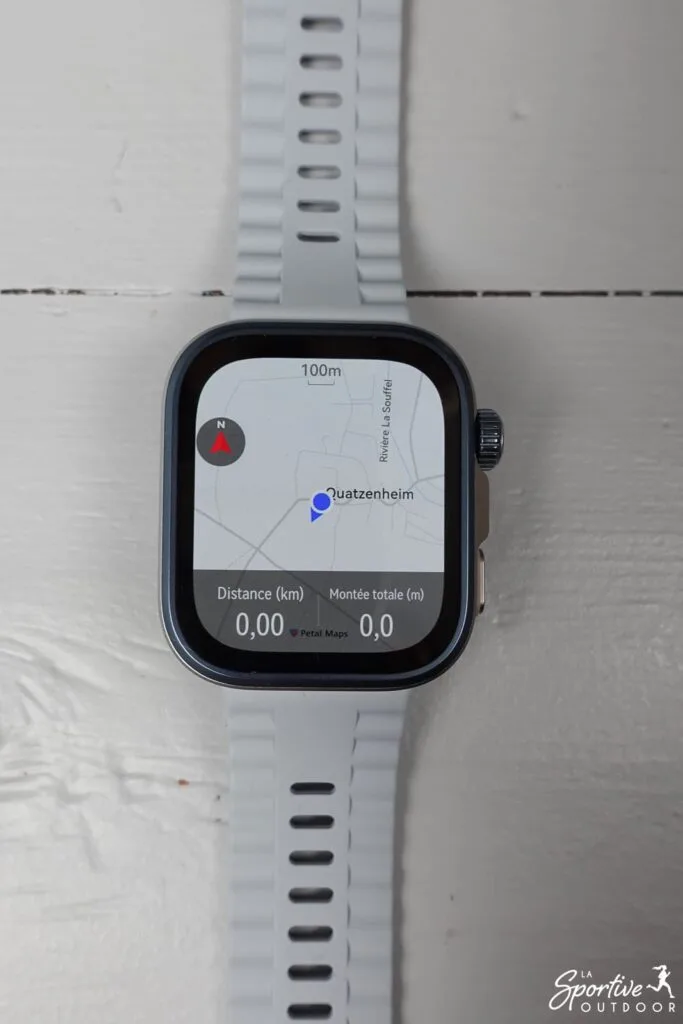
What’s more, and this is really noteworthy given the price of the watch, the cartography is available, with a quality topographic base map and very clear guidance. I really appreciate this feature!
When you arrive in a new location, the watch offers to download the maps of the corresponding region, which can be done even if the phone isn’t connected to WiFi. This takes a little time (around 10/15 minutes), but is very useful for airheads like me who absolutely never think of loading maps at home before the trip and potentially find themselves wanting to do so in 5G!
Of course, it’s also possible to import routes, either directly via Komoot or with a GPX, TXL or KML file.
Compatibility with Komoot and Strava
The watch can export training data to third-party applications such as Komoot and Strava. You can also import routes from Komoot , but unfortunately not from Strava.
Connected watch features
Calls and notifications
The Watch Fit Pro 4 is a connected watch, and we can see that it has been designed as such. The idea is to be able to receive your calls on the watch (either to see the call, or to answer directly thanks to the watch’s speaker and microphone) and to receive notifications from your phone. If you receive messages on your watch, you can reply using a t9 keyboard (well, in my opinion it’s quicker to pick up your phone!) or via pre-recorded replies (but only on Android, not iOS).
From my side, it’s not something I look for in a watch, as I find it very unpleasant to be constantly interrupted by notifications (for myself and the people I’m with), let alone on my wrist. But other people will tell you that it helps them keep the phone away from them so they’re not tempted to scroll through social networks and see only the notifications they choose. It’s a very personal choice!
For my part, I quickly tested the notifications (which work just fine!) and then deactivated everything. On the other hand, I was unable to deactivate incoming calls (unless I turned off the phone’s Bluetooth).
I would also have liked to have a feature (apart from the sleep mode, which is very practical) that really cuts off all notifications, including those from the watch itself, as I find it a little too chatty: it congratulates me, sends me health info without me having asked for anything… This may be motivating for some, but it’s a bit too much for me 😉 Again, it’s personal!
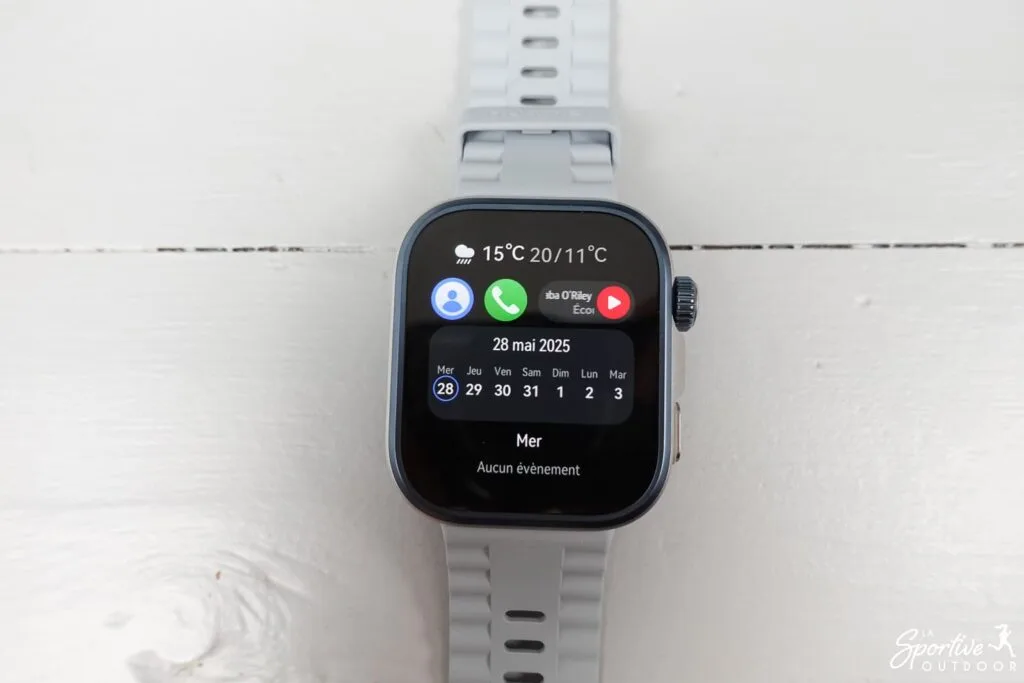
Other functions
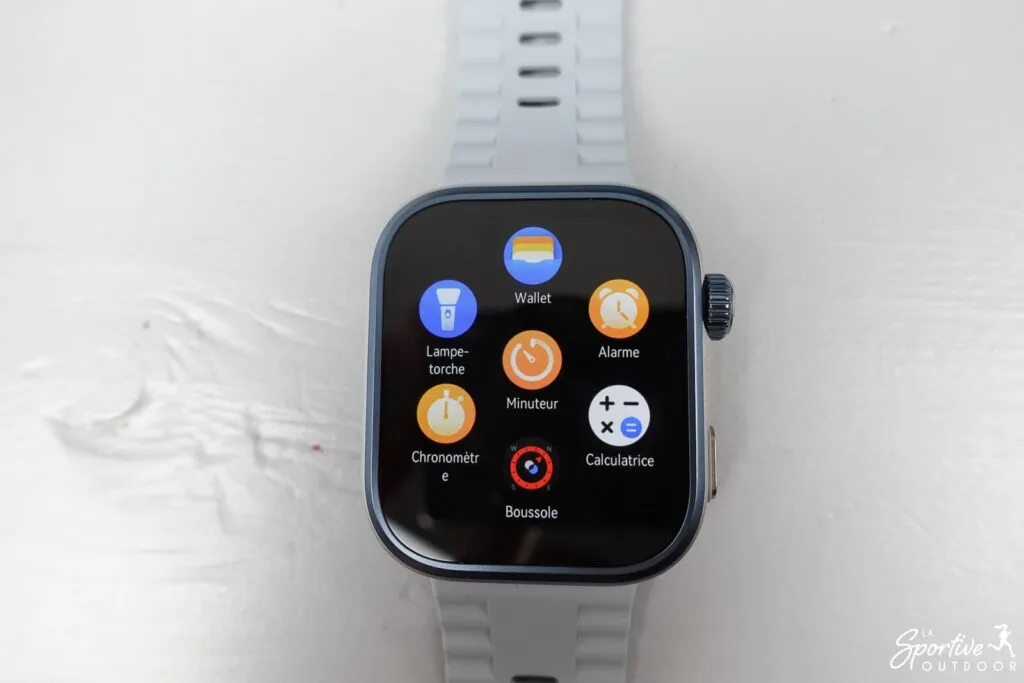
The watch includes other functions, but these are subject to certain limitations depending on your phone:
- miscellaneous utilities: alarm, stopwatch, timer, calculator, compass, flashlight (not very powerful, but useful!), barometer, phone location (make it ring to find it!)
- music (Android phones only)
- remote photo trigger (only with Huawei and iOS phones)
- contactless payments via Huawei Wallet, limited to certain regions and banks. In France, it doesn’t seem to be working.
- voice assistant (Huawei phone only)
Compatible with iOS & Android
The Watch Fit 4 Pro is compatible with Android and iOS smartphones via the Huawei Health app. However, some features are not available (compared with a Huawei phone, which is 100% compatible):
- on Android, there’s no voice assistant and no access to the shutter to take photos remotely.
- On iOS, there’s no voice assistant, no ability to add music to the watch (MP3), no ability to record predefined responses to watch notifications, and no access to the app store. The shutter for remote photo-taking is, however, available.
Autonomy and recharging
Of course, battery life will always depend on how you use the watch, but the Watch Fit Pro 4 has really good battery life. For me, who works out almost every day, it lasts around 6/7 days (without activating all the settings either, and without notifications, so you’ll have to test it for yourself, of course!) If you use it more lightly, you should reach 10 days, according to the manufacturer.
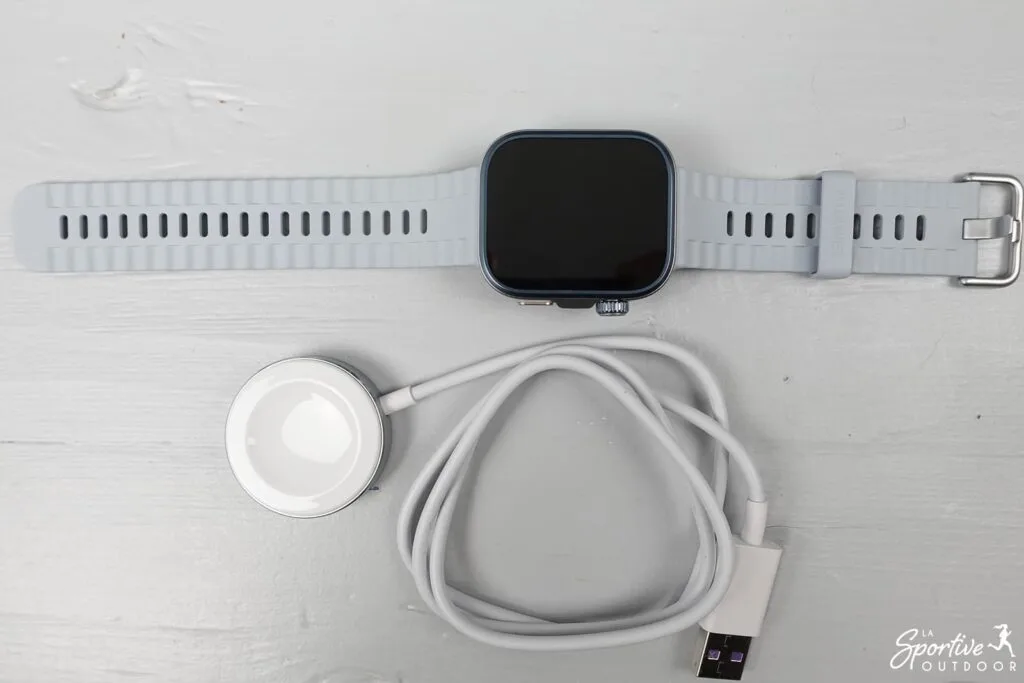
What’s more, it recharges completely in 1 hour, thanks to the included wireless charger. That’s a really good point!
Conclusion
The Huawei Watch Fit 4 Pro offers exceptional value for money. It stands out for the quality of its materials, its user-friendly screen, its solid battery life, its advanced health tracking functions and its integrated cartography, which is rare at this price. It has a few minor flaws, but if you’re looking for a complete, versatile and elegant connected watch, this is clearly a model to consider!
Le produit nous été envoyé par la marque. Cela ne change rien à notre opinion, les marques avec lesquelles nous travaillons comprennent que l’idée du test est de donner notre avis, avec ses points positifs et négatifs.
Cet article contient des liens d’affiliation. En tant que Partenaire Amazon, je réalise un bénéfice sur les achats remplissant les conditions requises.